

What makes mobile apps secure and safe is a mix of strong technology, careful design, regular updates, and good user habits. People use apps for banking, shopping, work, health, communication, and entertainment. As a result, apps often handle private information and account details. A secure app should protect this information from theft, misuse, and unauthorized access. In this article, we discuss the main features that help keep mobile apps safe, including data protection, secure passwords, app permissions, updates, and privacy controls. Understanding these features can help users make better choices when downloading and using apps.
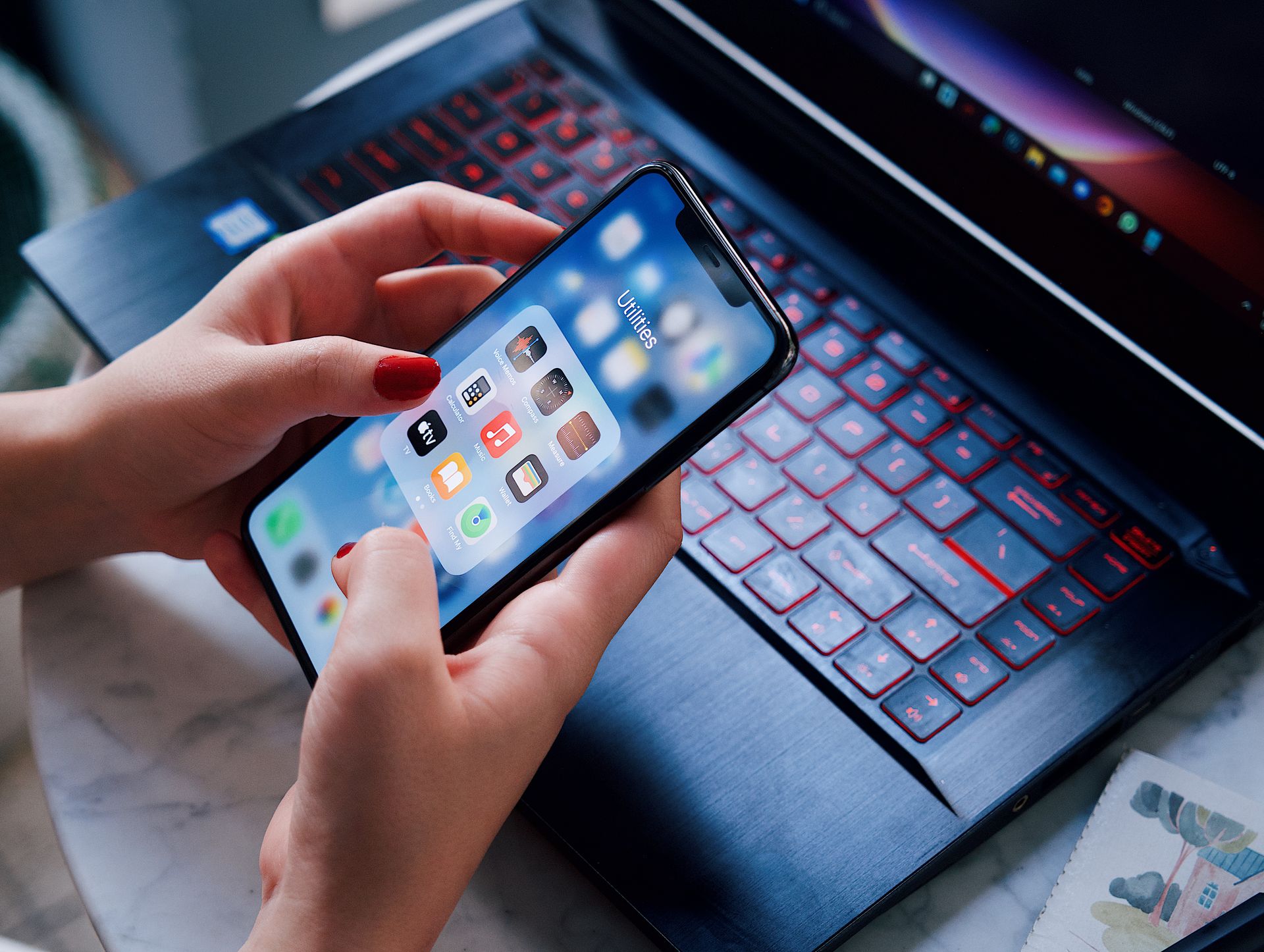
What Makes Mobile Apps Secure And Safe For Everyday Users
What makes mobile apps secure and safe starts with how the app protects information. Good apps use security features that protect data while it moves between the phone and the app’s servers. They also protect stored information from unwanted access. Developers should test their apps regularly and fix security problems quickly. In addition, trusted apps should explain how they collect and use personal information. Clear privacy settings can give users more control over their data. Together, these features create a stronger security system.
Strong Data Encryption
Encryption is an important part of app security. It changes information into a form that unauthorized people cannot easily read. For example, encryption can help protect login details and other sensitive information when data moves between a phone and a server. Secure apps should use modern encryption methods and protect stored data as well. However, encryption alone is not enough. Developers must also protect passwords, servers, and other parts of the system.
Secure Login Features
A strong login system can stop unauthorized users from entering an account. Good apps should support strong passwords and, where possible, two-factor authentication. This second step can make an account harder to access even if someone discovers the password. Some apps also support fingerprint or face recognition. These features can provide another layer of protection when they are used correctly.
Regular Security Updates
Security threats change over time. Therefore, developers need to release updates when they find weaknesses. Users should install these updates as soon as possible. An old app may contain a security problem that has already been fixed in a newer version. Phone operating system updates are also important because they can fix wider security issues that affect many apps.
Safe App Permissions
Apps often ask for access to phone features such as the camera, microphone, location, contacts, and photos. A secure app should only request permissions that it genuinely needs. Users should also have clear choices about what the app can access. For example, a simple calculator should not normally need access to contacts or messages. Checking permissions can help users reduce unnecessary data sharing.
How Privacy Supports App Security
Privacy and security work together. An app should collect only the information it needs to provide its service. It should also explain what it collects and why. Clear privacy settings can help users decide whether they want to share location data, contacts, photos, or other information. Users should review these settings regularly because app features and policies can change.
Trusted App Sources
Where an app comes from also matters. Official app stores usually have checks designed to identify harmful software, although no system is perfect. Users should check the developer’s name, reviews, update history, and permissions before installing an app. Avoid downloading unknown files from random websites or suspicious messages. Fake apps can copy the name and appearance of legitimate services while hiding harmful software.
Safe Server Protection
Mobile apps often connect to remote servers. These servers may store account details, payment information, or other private data. Developers should protect these systems with strong access controls, monitoring, secure connections, and regular testing. A well-designed app can still become unsafe if its connected server has weak security.
What Users Can Do To Stay Safe
Security is not only the developer’s responsibility. Users also play an important role. Simple habits can reduce many common risks.
- Keep your phone and apps updated.
- Use strong and unique passwords.
- Turn on two-factor authentication when available.
- Review app permissions regularly.
- Download apps from trusted sources.
- Avoid suspicious links and files.
- Remove apps you no longer use.
- Use a secure screen lock.
- Be careful when using unknown public Wi-Fi.
- Check account activity for unusual changes.
Watch For Warning Signs
Users should pay attention to strange app behavior. Unexpected adverts, unknown apps, unusual battery use, or unexplained account activity can be warning signs. These issues do not always mean an attack has occurred, but they should not be ignored. If something seems wrong, update the device, review permissions, remove suspicious apps, and change important passwords when necessary.
Final Thoughts
Understanding what makes mobile apps secure and safe helps users choose better services and develop stronger habits. Strong encryption, secure login features, regular updates, careful permissions, privacy controls, and protected servers all play important roles. However, users must also make careful choices when downloading and using apps. Check permissions, keep software updated, use strong passwords, and avoid suspicious sources. No app can offer perfect protection, but good security practices can reduce common risks and help keep personal information safer.